
At a glance
- WhereRouting menu.
- AccessRouting module and a permission per route type.
- DataThe collected routing tables.
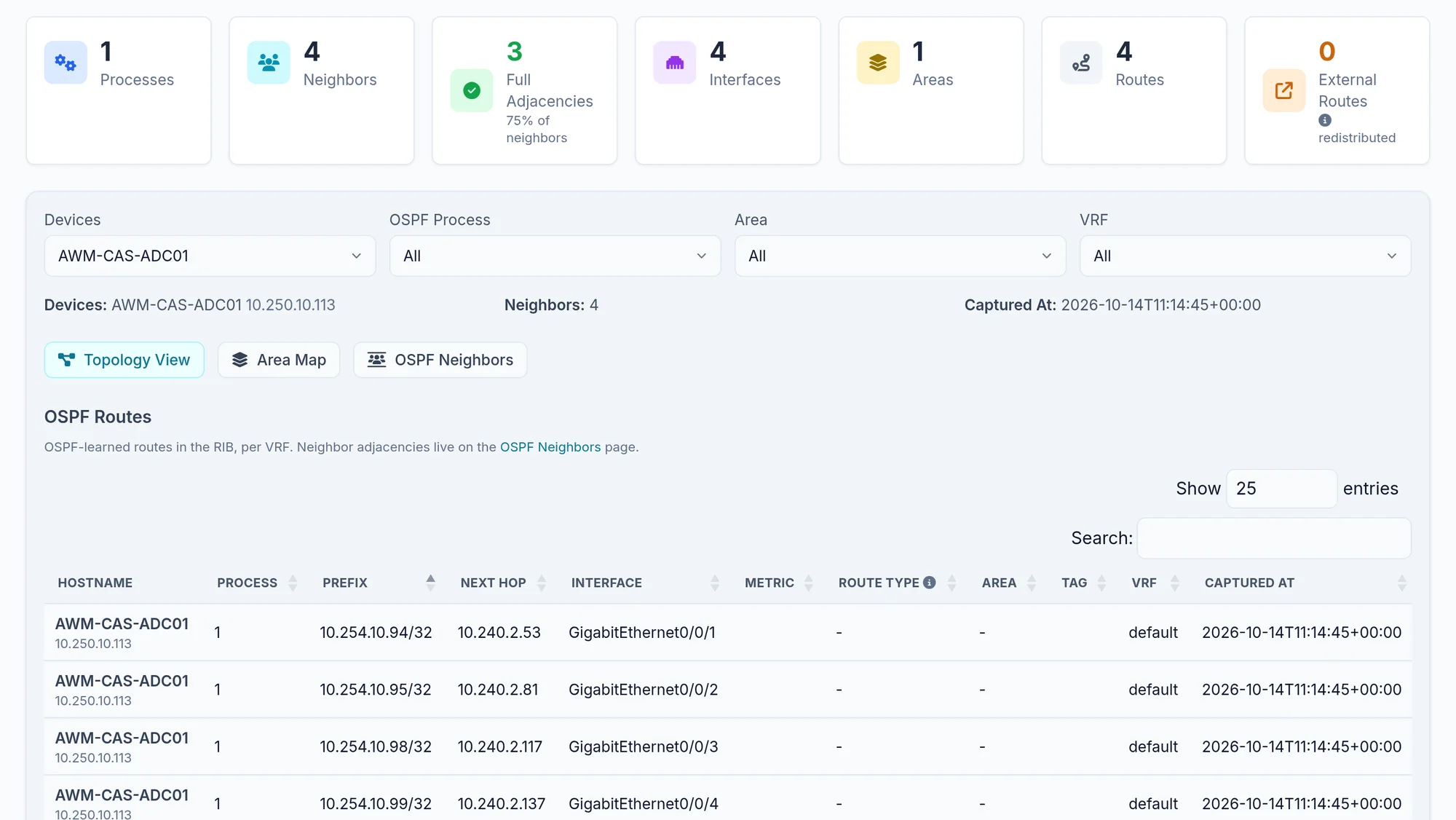
What the screen shows
What you can do
- 1
Follow a path
Tools, then Path Analysis computes the path from the collected tables and compares it with a live traceroute; see Tools.
- 2
Simulate a failure
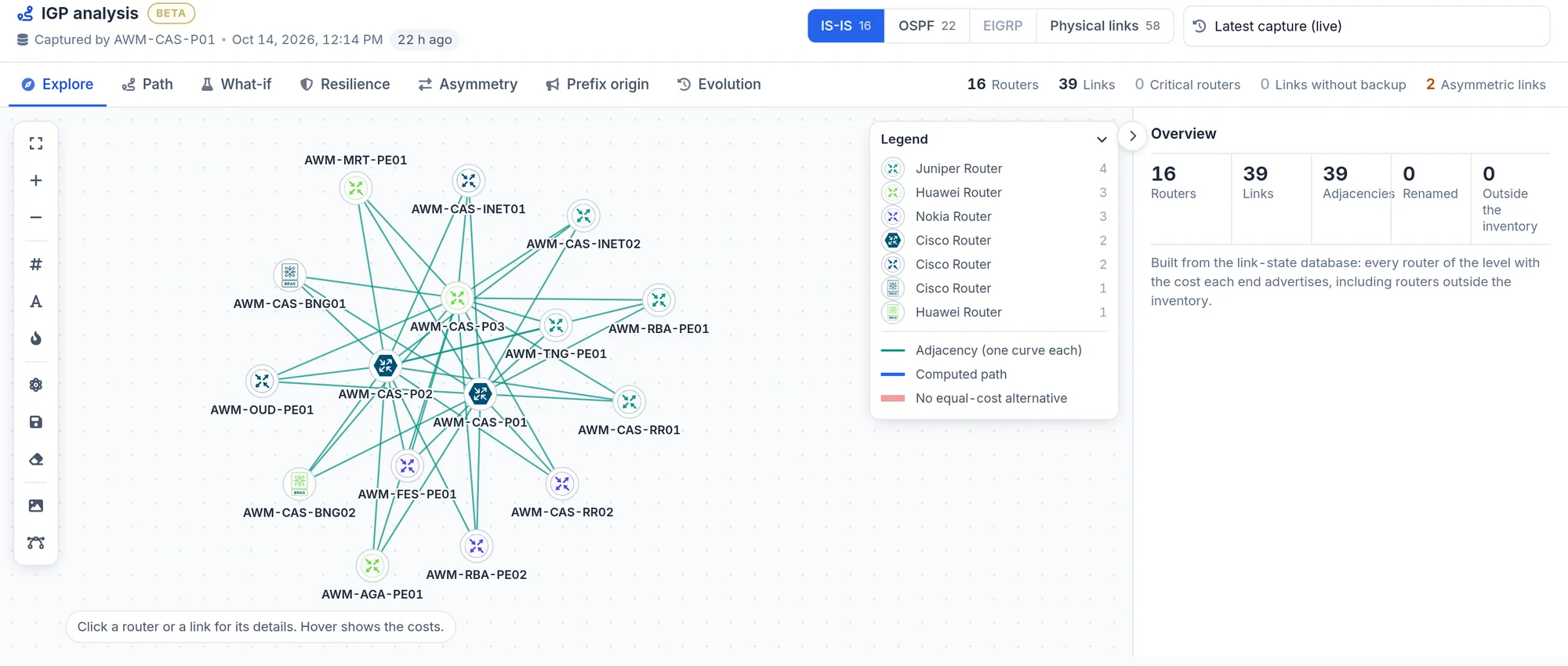
IGP analysis, Failure simulation tab: remove a link or router and read what changes.
Limits and things to know
Redundancy returns a 403 error
In this version the Redundancy page (BETA) needs a different permission from the one that shows the menu.
Tables date from the collection
They show the state at the last collection, not live.
Read next
Manual
Neighbors
The neighbour tables per protocol, what each column says, the filters, and why the menu can be missing on an estate with only OSPF.
ManualTools
IP Finder, MAC Finder, path analysis, change tracker, anomalies, configuration compare and configuration search.
ManualTopology
Draw the network as the devices describe it: L2, spanning tree, routing, VPN and transport layers, filters, saved views and exports.