
How to check whether a device still allows Telnet
Telnet carries passwords in clear text. Most networks turned it off years ago, which is exactly why the ones still answering on port 23 are easy to miss: they are usually not the devices anyone is worried about. NacTrack evaluates the collected configuration against a hardening benchmark for the platform, so the answer comes from what the device is actually running rather than from what the standard build was supposed to contain.
What you need
- Licence module: compliance.
- Role permission: view compliance audits.
- All benchmarked platforms; every shipped ruleset carries a Telnet check
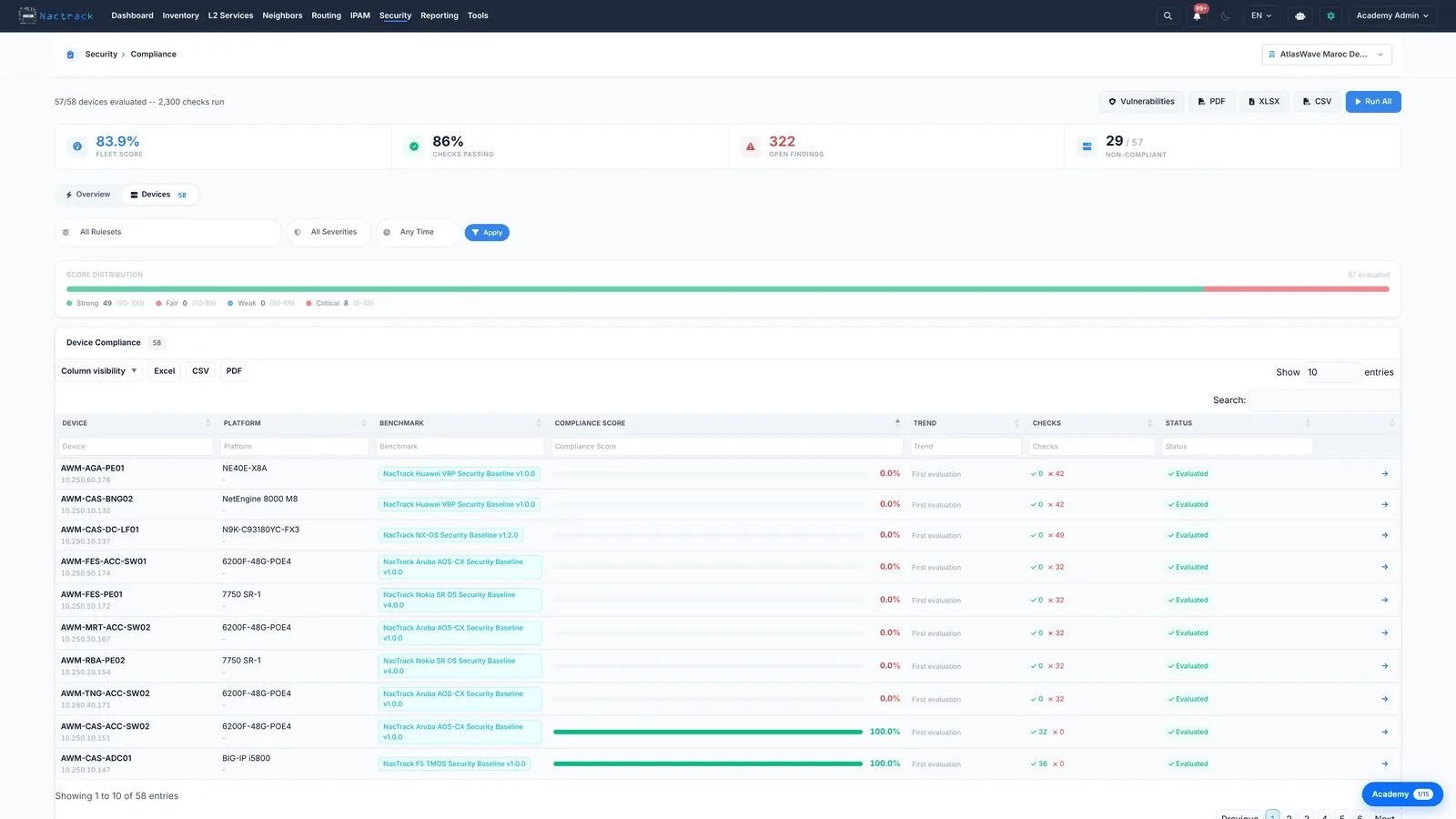
1. Read the fleet scores
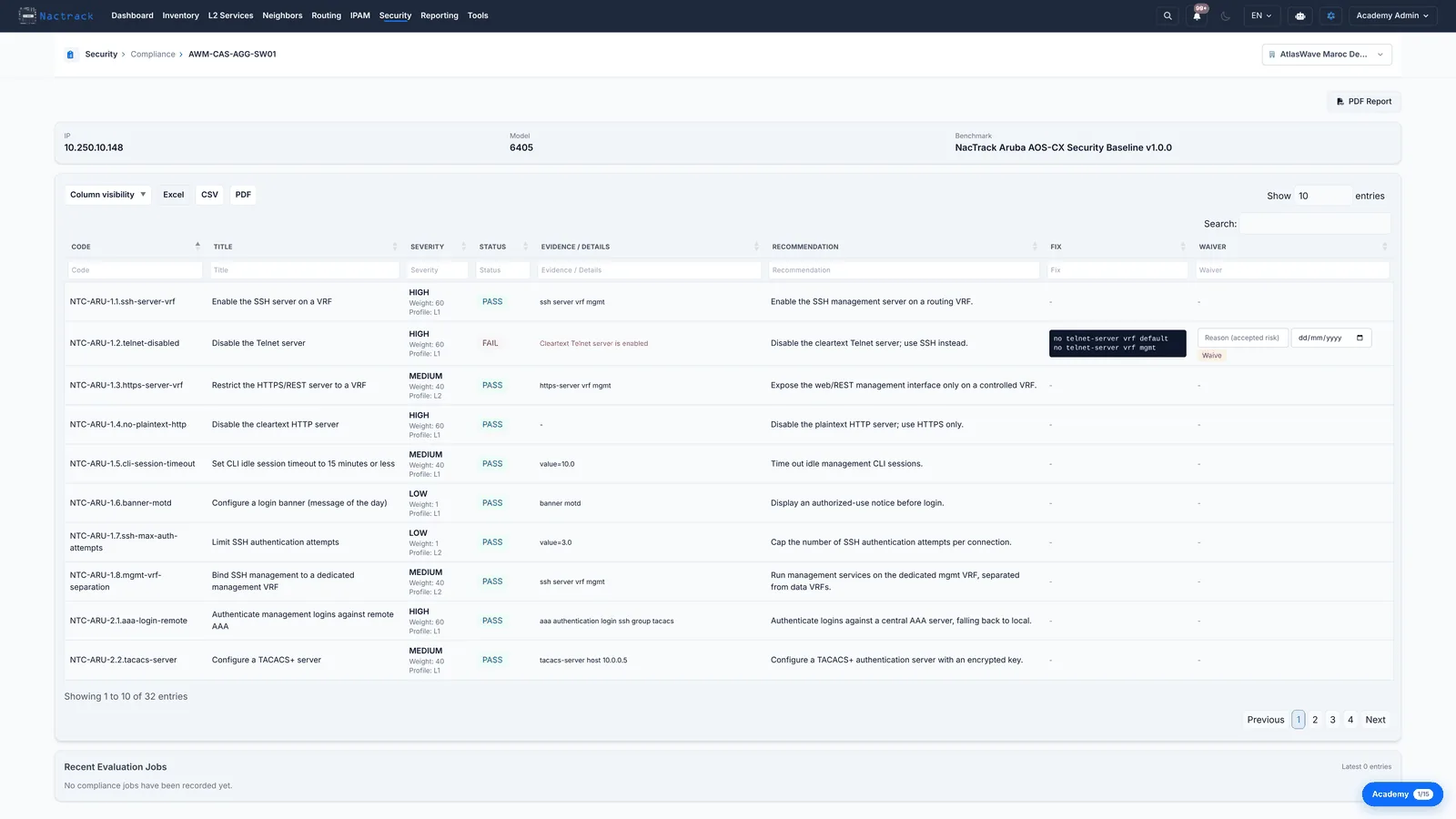
2. Open one device
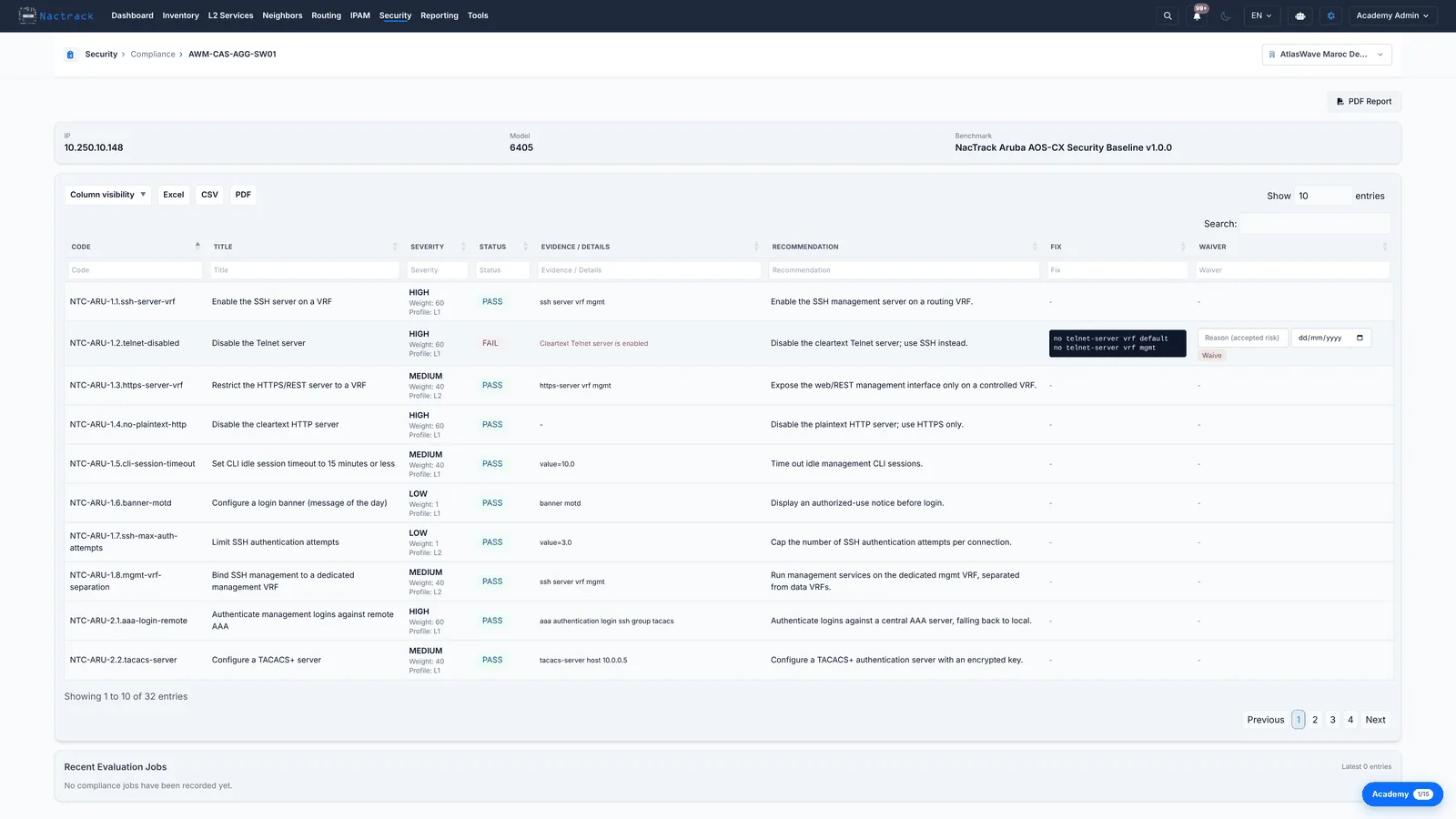
3. Read the finding
Further reading
Network configuration compliance, rule by rule
Named rules evaluated against each device's real configuration, with the extract that triggers each failure and the matching remediation.
How-to guideHow to read a device's management access posture
Management exposure is not one setting. Read which services answer, whether they are encrypted, confined to a VRF and centrally authenticated.
How-to guideHow to find devices using default or version 1 and 2c SNMP communities
An SNMP community is a password in clear text, and v1 and v2c have nothing else. Find the devices still carrying public, private or no better.
How to see which ports are configured for 802.1X
Read 802.1X back off the switches themselves: which access ports actually carry it, in which mode, and where MAB is the fallback.
Next guideHow to find devices using default or version 1 and 2c SNMP communities
An SNMP community is a password in clear text, and v1 and v2c have nothing else. Find the devices still carrying public, private or no better.