
How to find devices using default or version 1 and 2c SNMP communities
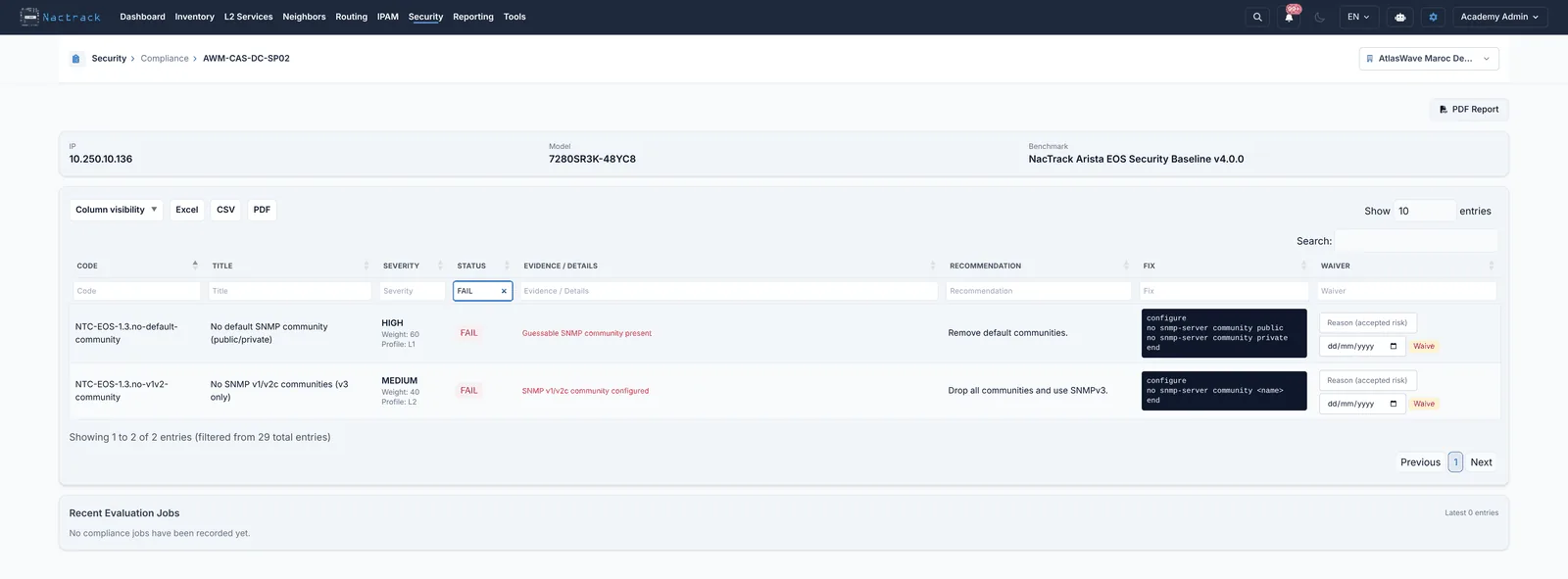
An SNMP community string is a password sent in clear text, and versions 1 and 2c have no other protection. Communities named public and private are worse still, because they are the first two anyone tries. This usually survives not through carelessness but through inheritance: a monitoring system needed read access years ago, the community was set fleet-wide, and nothing since has had a reason to revisit it.
What you need
- Licence module: compliance.
- Role permission: view compliance audits.
- All benchmarked platforms; the wording of the check differs by vendor
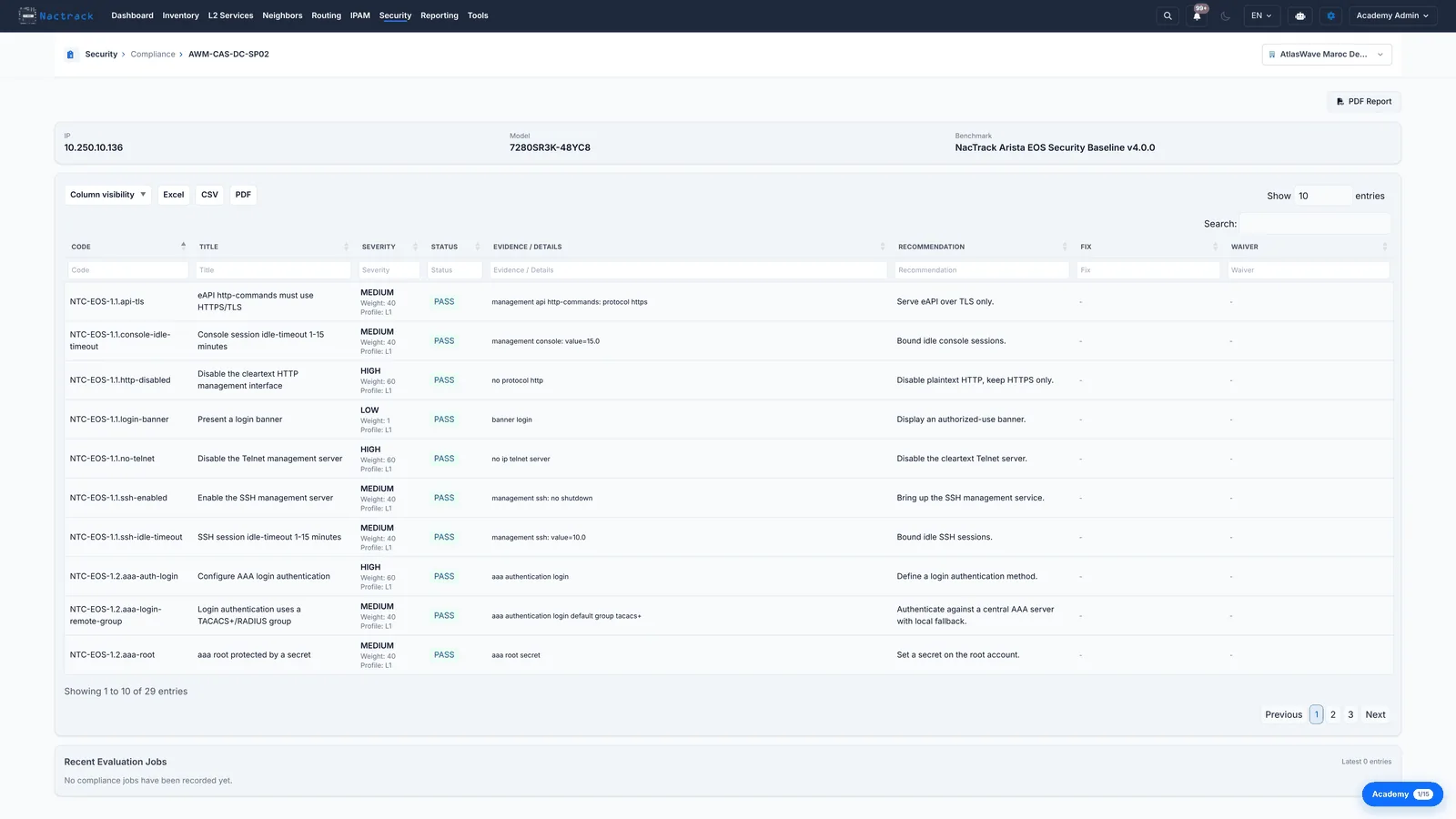
1. Open a device and read its SNMP checks
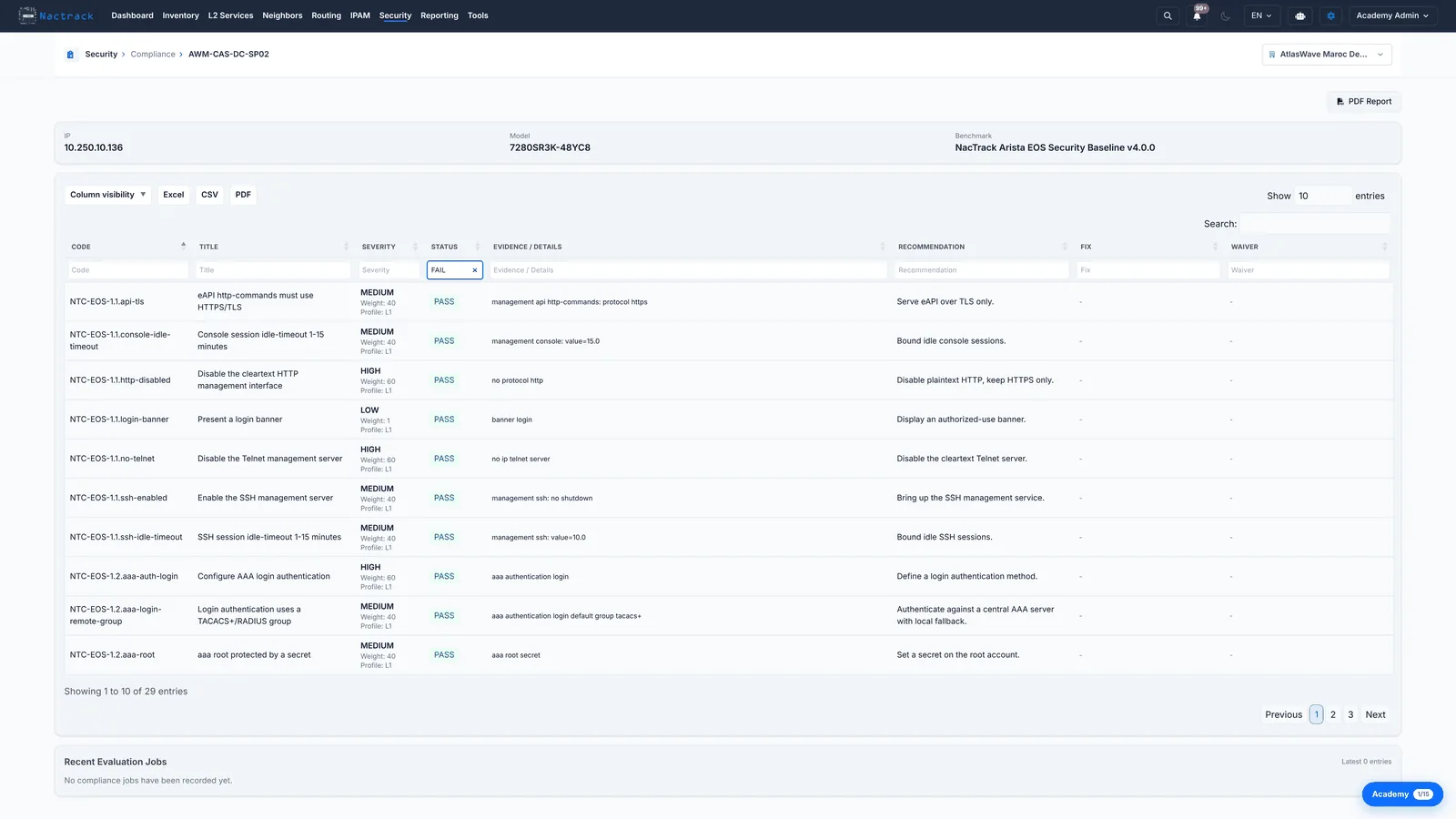
2. Filter to the failing checks
3. Separate the two findings
Further reading
Network configuration compliance, rule by rule
Named rules evaluated against each device's real configuration, with the extract that triggers each failure and the matching remediation.
How-to guideHow to read a device's management access posture
Management exposure is not one setting. Read which services answer, whether they are encrypted, confined to a VRF and centrally authenticated.
How-to guideHow to check whether a device still allows Telnet
Telnet carries passwords in clear text. The devices still answering on port 23 are the ones nobody is watching, which is why they get missed.
How to check whether a device still allows Telnet
Telnet carries passwords in clear text. The devices still answering on port 23 are the ones nobody is watching, which is why they get missed.
Next guideHow to audit switch hardening: the checklist
A switch hardening checklist by plane, from Cisco's IOS hardening guide, and how to check it against every collected configuration with the evidence.