
How to tell whether a VLAN still has any ports on a switch
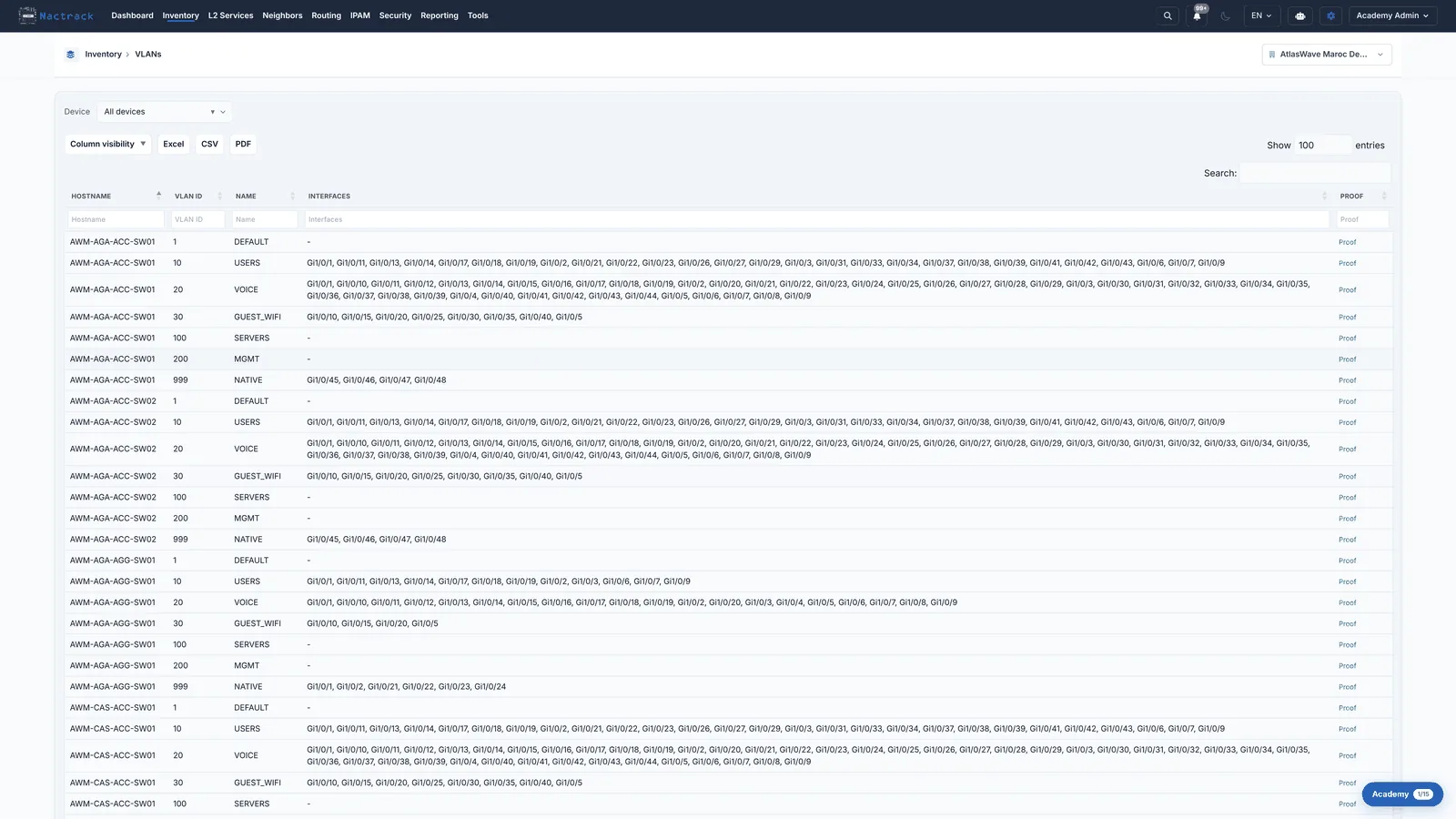
VLANs outlive the things that needed them. Before removing one, the useful question is not "is this VLAN used" in the abstract but "does this switch still have ports in it", because that is answerable and it is what determines whether removing it breaks something locally.
What you need
- Licence module: inventory.
- Role permission: view the inventory.
- Every collected platform.
1. Open the VLAN inventory
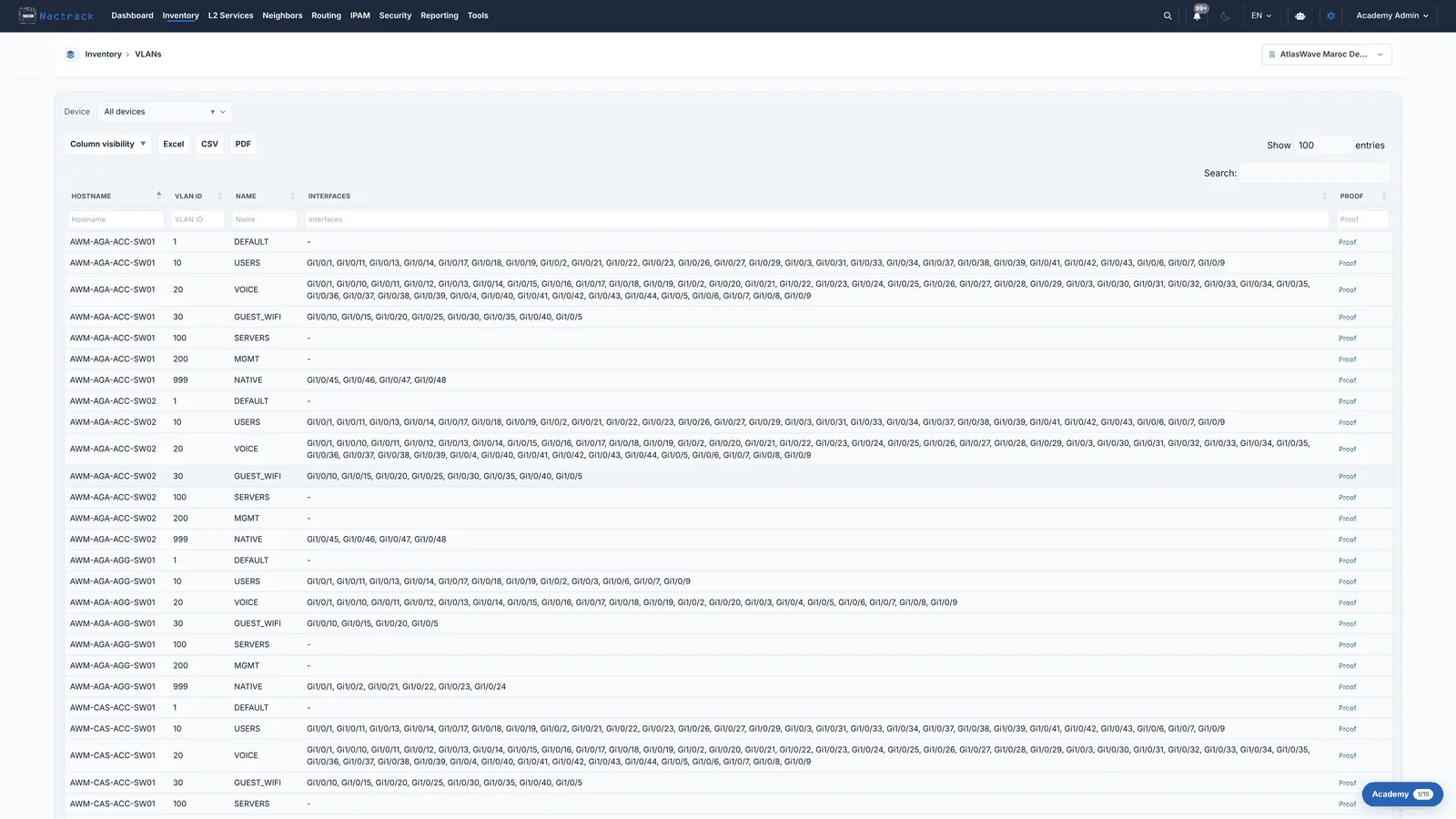
2. Look for a dash
Further reading
Product
Network device inventory: models, serials, free ports
Models, software versions, serial numbers, used and free ports, across a heterogeneous estate. Collected over SSH, with no agent and no manual entry.
How-to guideHow to find every port carrying a VLAN
Before you change or retire a VLAN you need to know what actually uses it: every switch it appears on, with the ports assigned to it.
How-to guideHow to see which VLANs a trunk allows
A VLAN reaches a remote site only if every trunk on the way allows it, so the allowed list is the first thing to read when one is missing.