
Reports and exports
What a committee, an auditor or a customer asks for, as PDF or Excel.
At a glance
- WhereReporting menu; the export buttons on each table.
- AccessReporting module and the permission to view them.
- DataThe collected data; the compliance report waits for a first evaluation.
What the screen shows
What you can do
- 1
Build a report
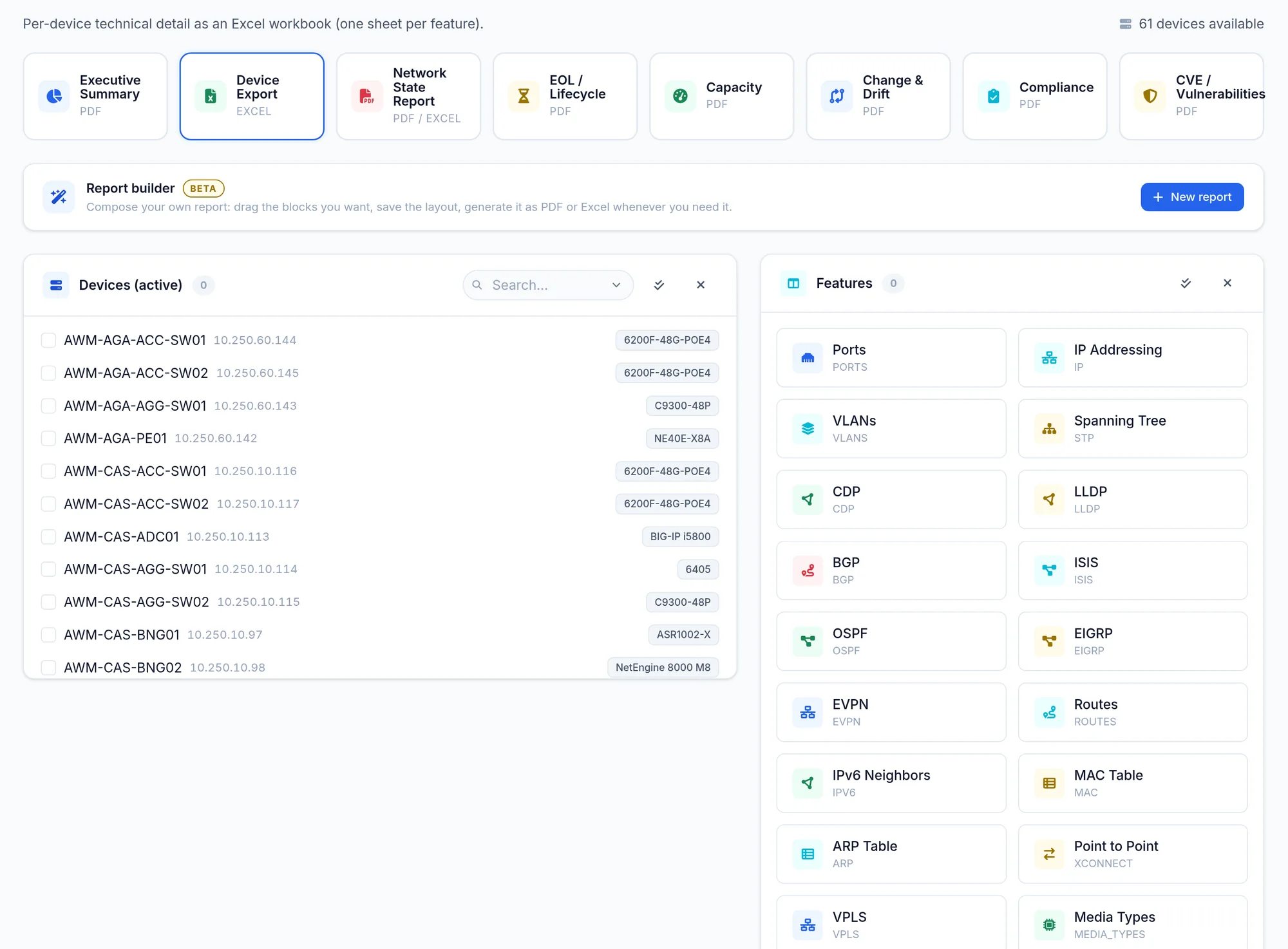
The report builder (BETA) lists My reports with their PDF and Excel buttons; New report needs the permission to manage layouts.
Limits and things to know
No scheduled email delivery
In this version reports are generated on demand; there is no scheduled or emailed report.
The Compliance card is greyed out
It becomes active after a first compliance evaluation.
Read next
Compliance
How to run rule evaluation, read the estate and per device scores, set a waiver on a check, and export the findings as PDF, XLSX or CSV.
ManualEOL lifecycle
The end of sale and end of support dates of your models, the devices at risk within 180 days, and how the lifecycle catalogue updates.
ManualDashboard
What the dashboard tiles and cards show, which views come built in, and how to pick, pin or create a view with the dashboards module.