
Discovery and import
Two ways to grow the inventory without typing it all: let NacTrack search, or hand it files.
At a glance
- WhereInventory, then Discovery; Inventory, then Config Import.
- AccessDiscovery: the discovery module and permission. Import: device management.
- DataCredentials in the vault for discovery; text files for the import.
What the screen shows
What you can do
- 1
Run a discovery
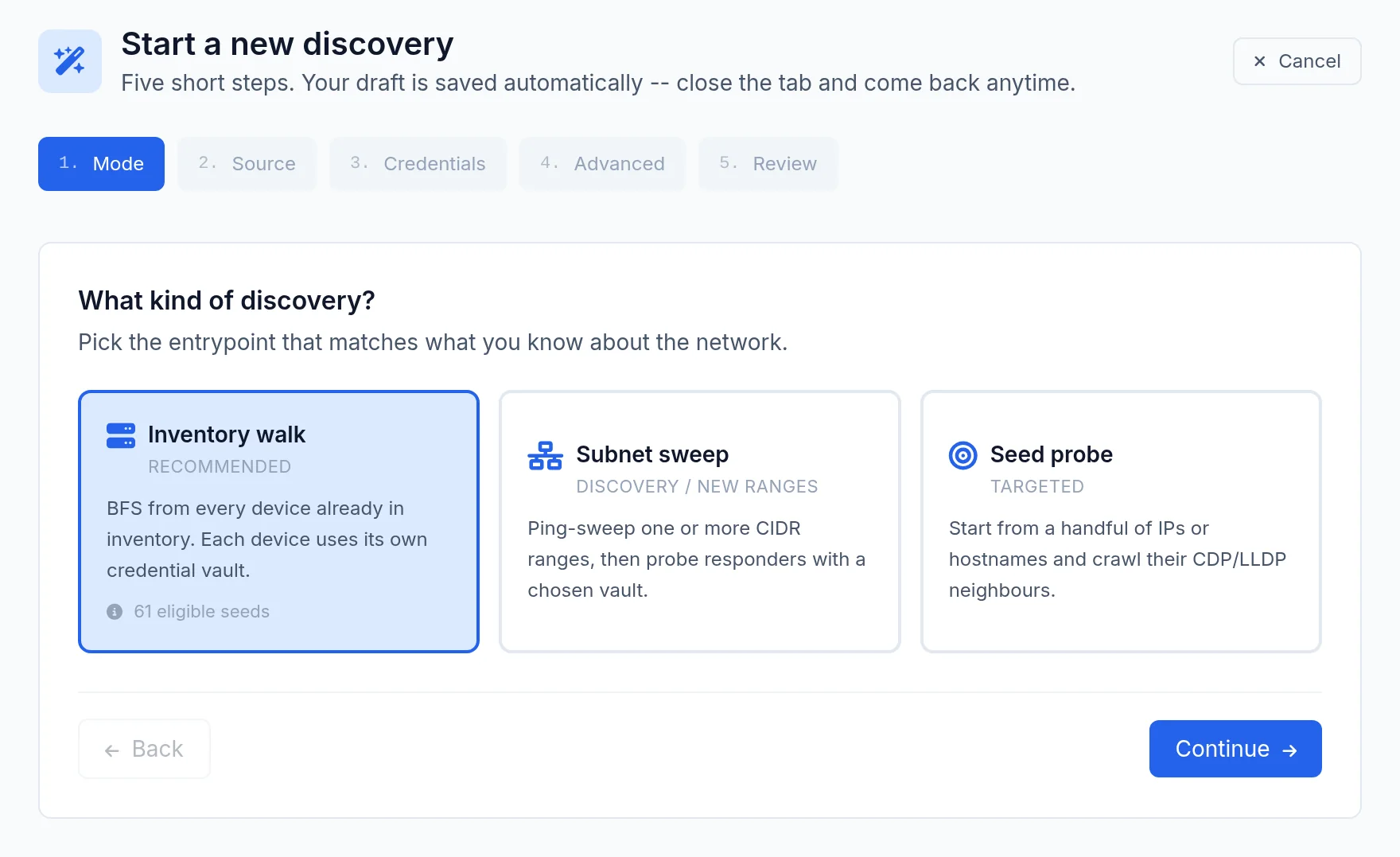
Discovery, Start a new discovery, pick the mode, source and vaults, check the review, Launch discovery. The draft is kept by the browser.
- 2
Import configurations
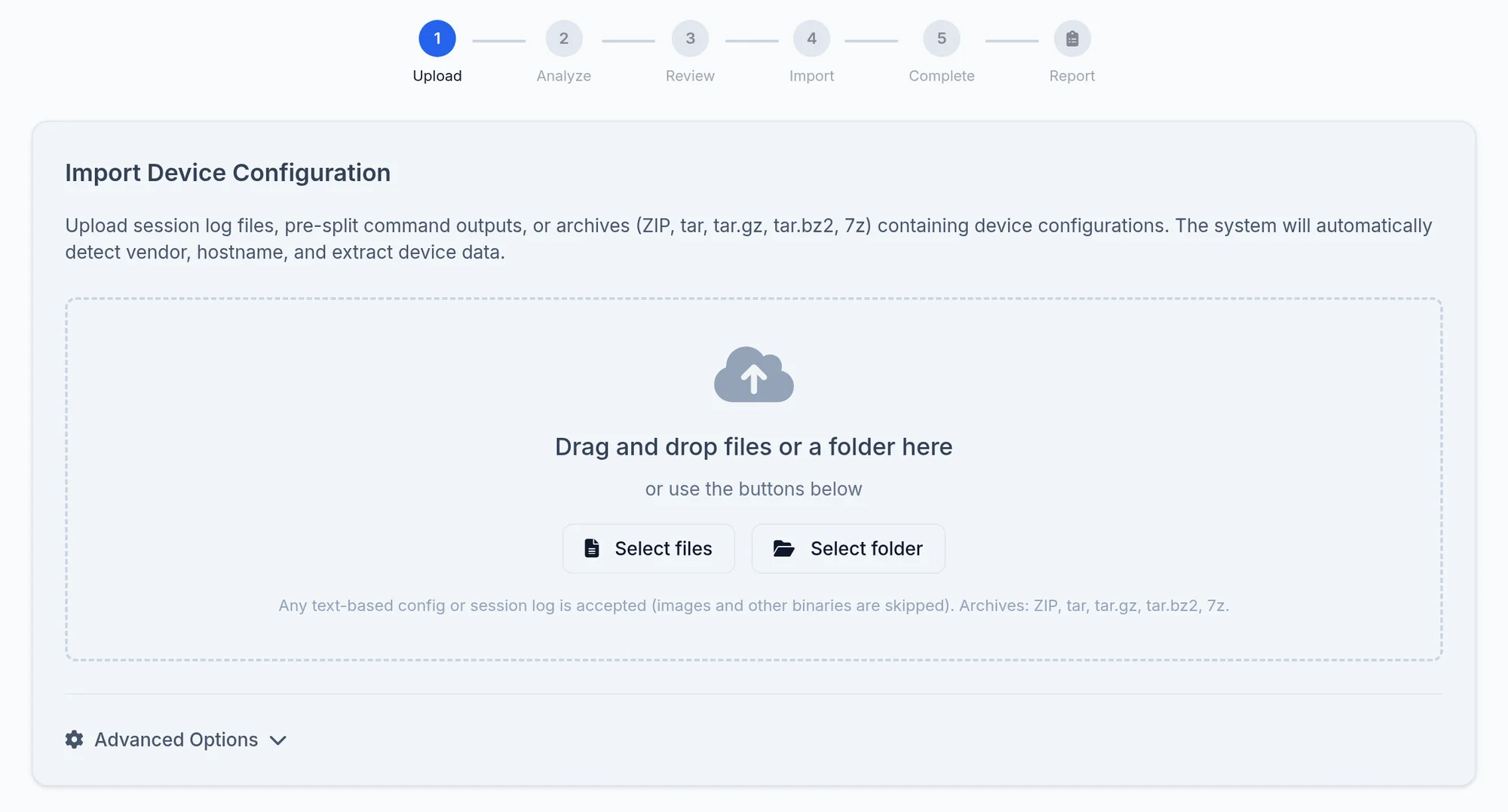
Config Import, Select files or a folder, let the analysis propose the vendor, import. The report links to each device created.
Limits and things to know
Adding to the inventory
Found devices are added by the wizard's automatic add option; there is no add button on a run's page.
Import from a server path
This option is refused until an allowed path is configured.
Read next
Devices
Declare a device by its IP address and credential, test the login, or let discovery find the neighbours starting from one device.
ManualDevices
The list of managed and discovered devices, its filters, exports and actions, then a device's own page and its tabs.
How-to guideHow to find the network devices nobody declared
Find undeclared network devices: CDP and LLDP neighbours missing from the inventory, a crawl from seeds or subnets, and what announces nothing.