
How to check whether BPDU Guard is enabled on edge ports
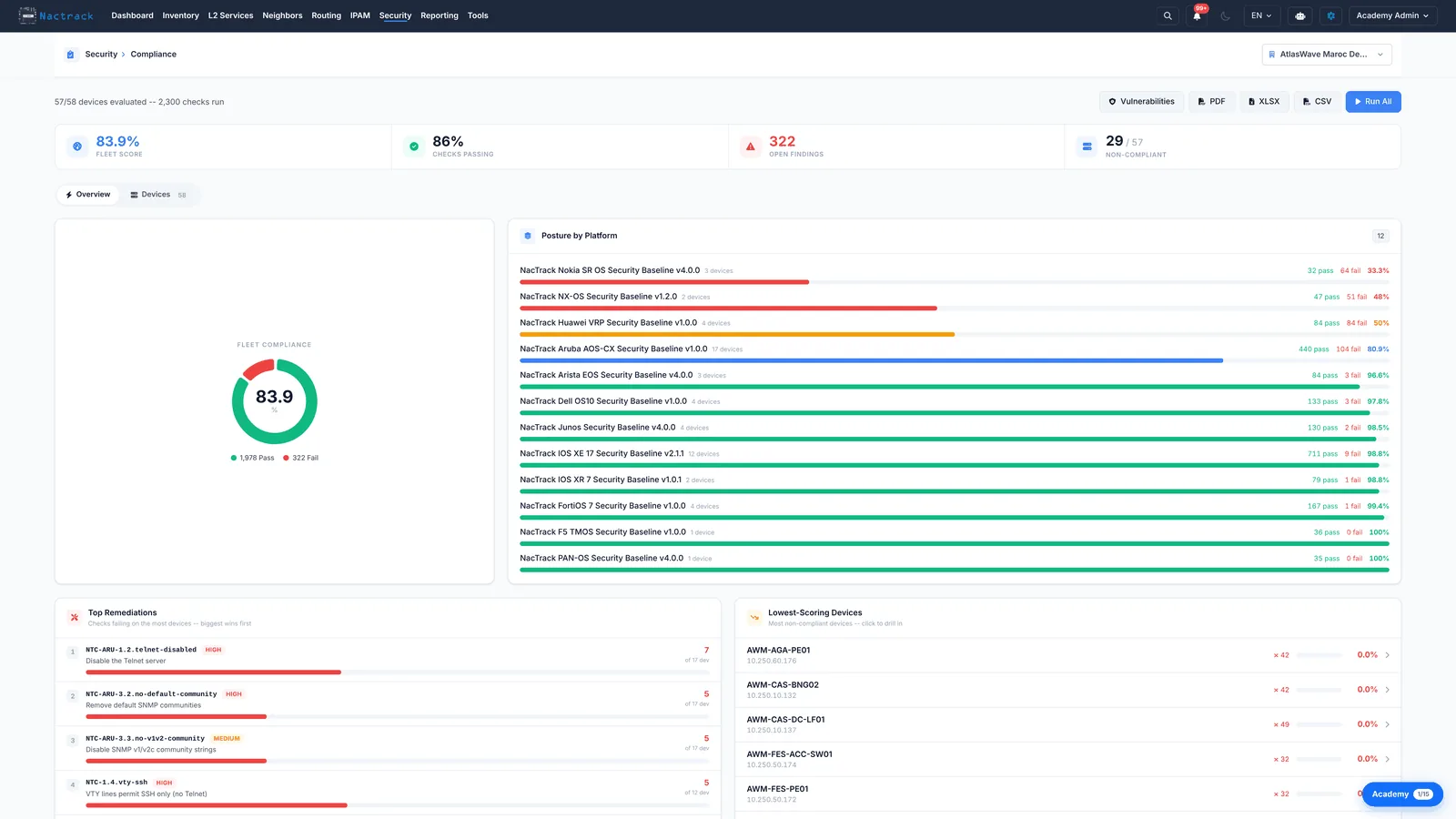
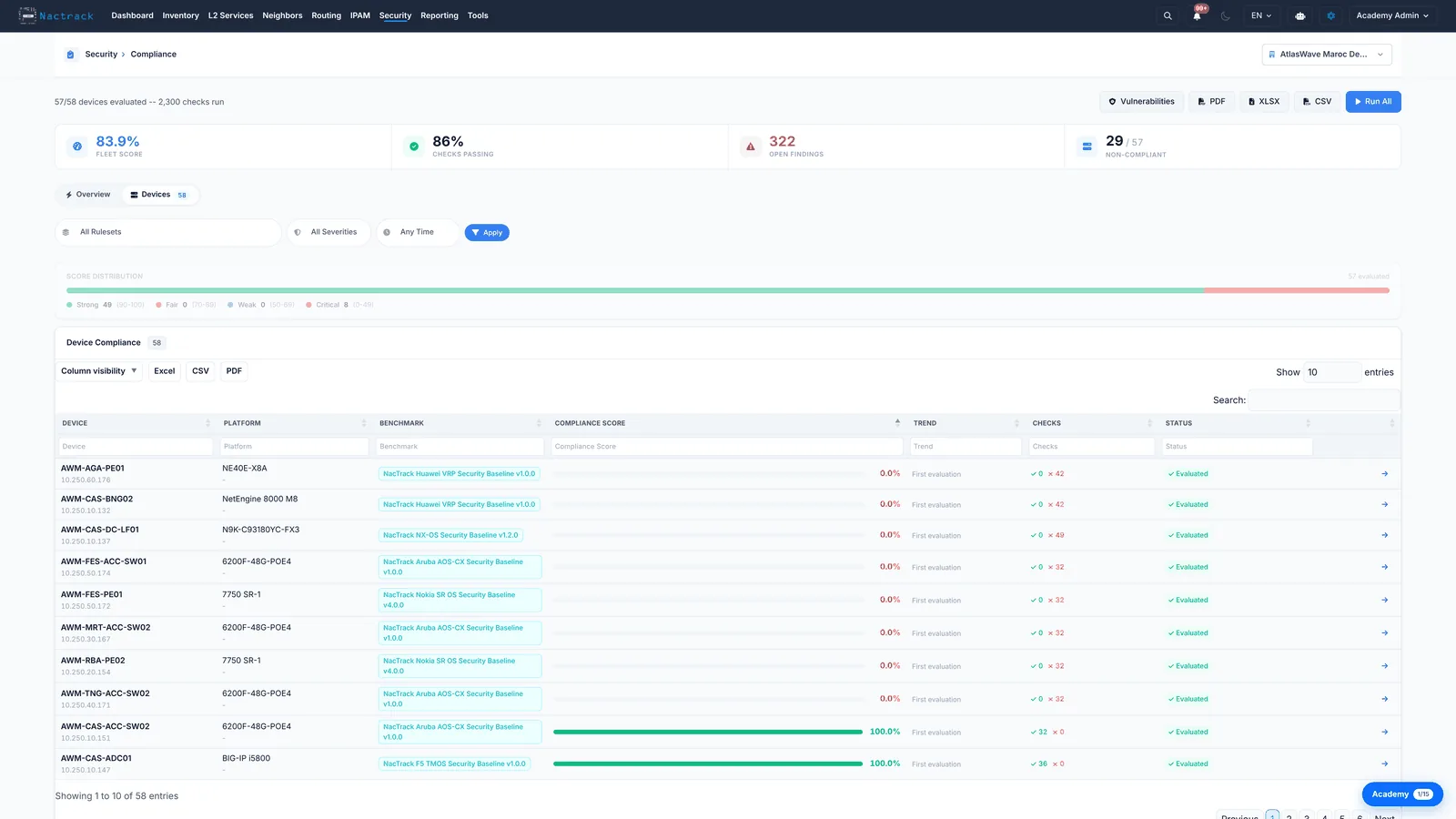
BPDU Guard shuts a port down the moment a switch appears where only endpoints should be, which is what stops someone plugging a desk switch into a wall socket and rearranging your spanning tree. NacTrack does not read it from live state; it checks the running configuration against a benchmark rule, so the question is answered on the Compliance page rather than the STP one.
What you need
- Licence module: compliance.
- Role permission: view compliance audits.
- Aruba AOS-CX, Cisco NX-OS and Dell OS10 only
1. Open Security then Compliance
2. Switch to the Devices tab
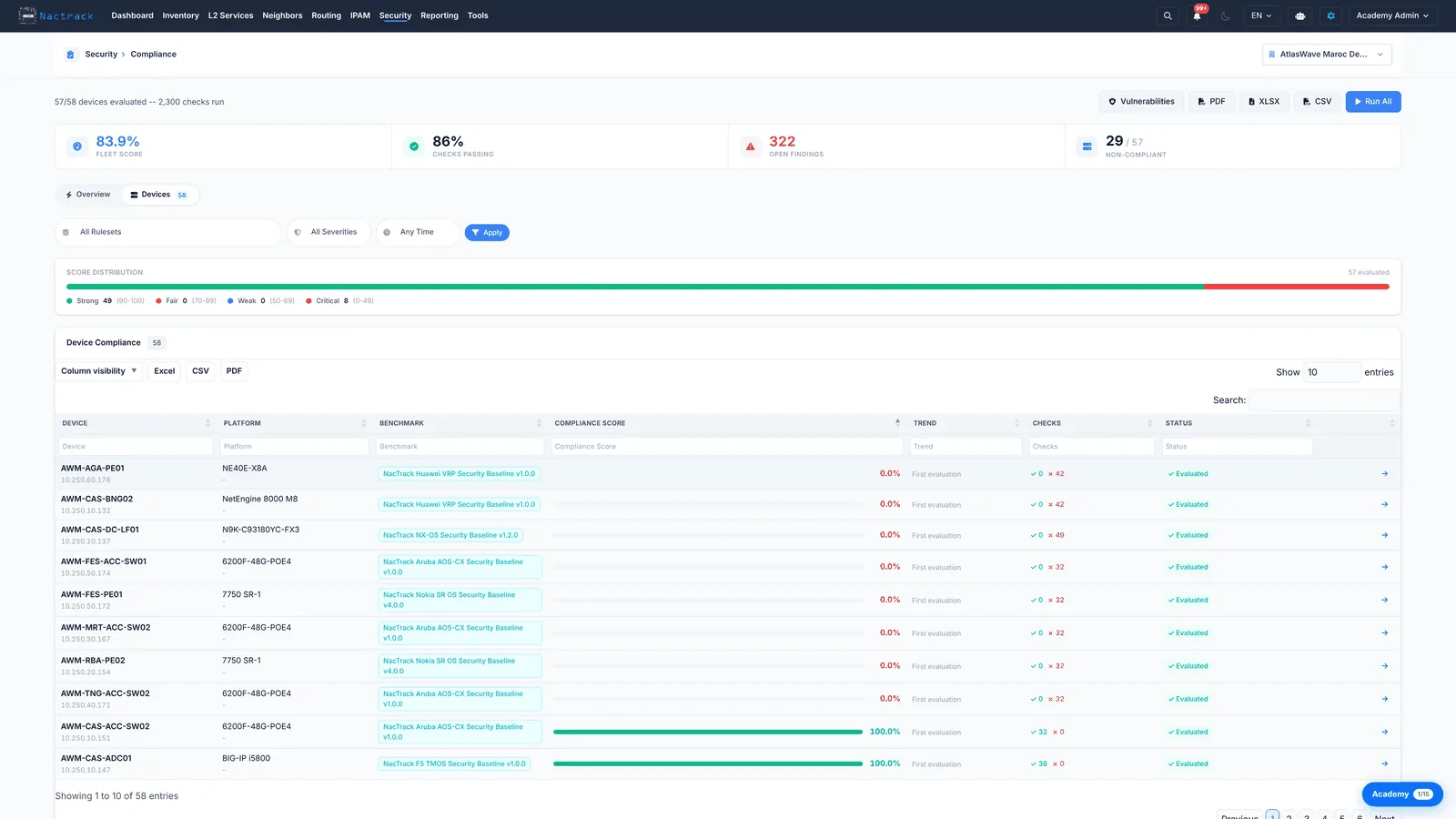
3. Open a device result
Further reading
Network configuration compliance, rule by rule
Named rules evaluated against each device's real configuration, with the extract that triggers each failure and the matching remediation.
How-to guideHow to find which ports spanning tree is blocking
A blocking port is spanning tree doing its job. What matters is whether the ports it chose to block are the ones your design intended.
How-to guideHow to find which switch is root bridge for each VLAN
If the root bridge is not where you designed it, traffic takes a path you did not choose. Read the root for every switch and every VLAN.
How to find which ports spanning tree is blocking
A blocking port is spanning tree doing its job. What matters is whether the ports it chose to block are the ones your design intended.
Next guideHow to get a network diagram from CDP and LLDP
Build a layer 2 network diagram from the CDP and LLDP tables of every device, export it to PNG, SVG, PDF or drawio, and know what it cannot see.