
Finding your way around
A menu bar that follows your data, a search that finds everything, and a few session rules to know.
At a glance
- WhereTop bar, on every page.
- AccessThe menus you see depend on the licence modules and your role's permissions.
- DataSeveral menus only appear once their data has been collected.
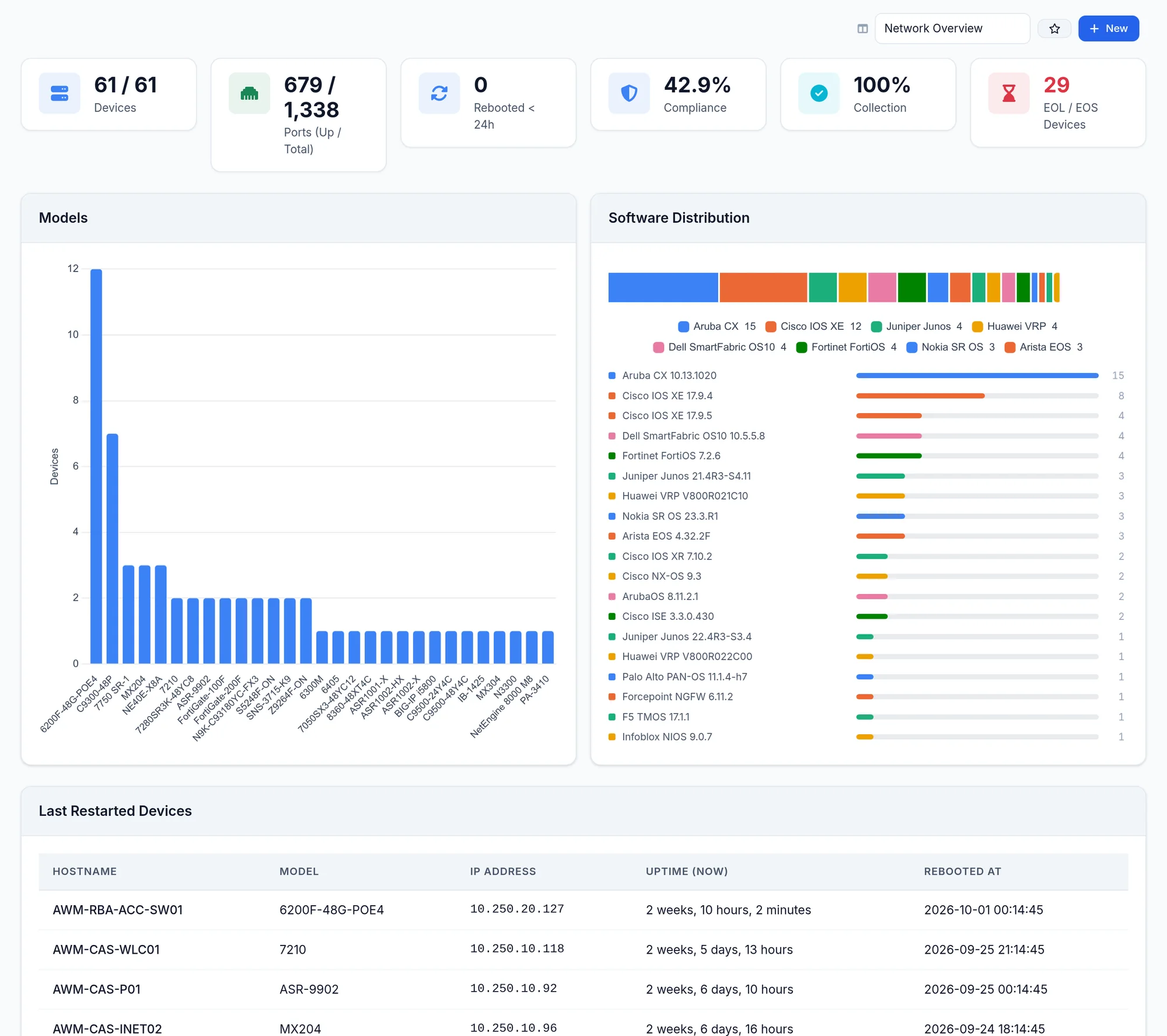
What the screen shows
Limits and things to know
How long does a session last?
It closes after 120 minutes of inactivity, and after 480 minutes at most. Three wrong passwords in a row lock sign in for a while, with a wait that doubles up to fifteen minutes.
There is no forgotten password link
There is no email reset. An administrator sets a new password from Users.
Some labels stay in English
In this version a number of buttons and titles stay in English in the French interface: Run All, Overview, report cards or built-in dashboard names. The manual quotes them as they appear.
Read next
Get started
From installation to the first scheduled collection: the ten steps to put NacTrack into service, in order, with the real screens.
ManualDashboard
What the dashboard tiles and cards show, which views come built in, and how to pick, pin or create a view with the dashboards module.
ManualTools
IP Finder, MAC Finder, path analysis, change tracker, anomalies, configuration compare and configuration search.