
Compliance, CVE and end of life
Three screens in the Security menu, each with one button to know the first time.
Before you start
- A successful collectionThe versions and configurations read are what all three screens work from.
- An HTTPS path outThe CVE and end of life catalogues update from our service.
The steps
- 1
Evaluate compliance
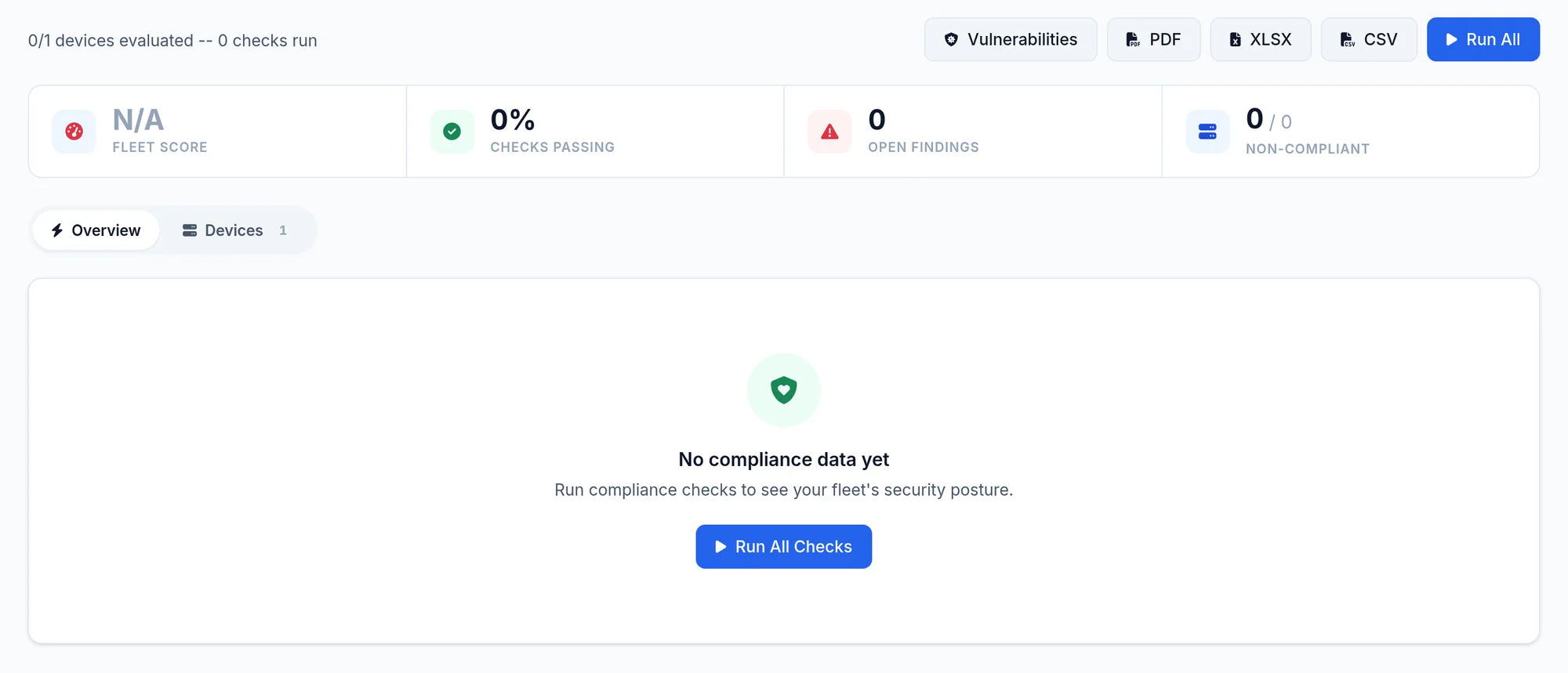
Security menu, then Compliance. A collection does not evaluate compliance: click Run All to evaluate the rules on every device, then read the result per device and per rule.
Run Run All again after each significant collection.
- 2
Match CVE
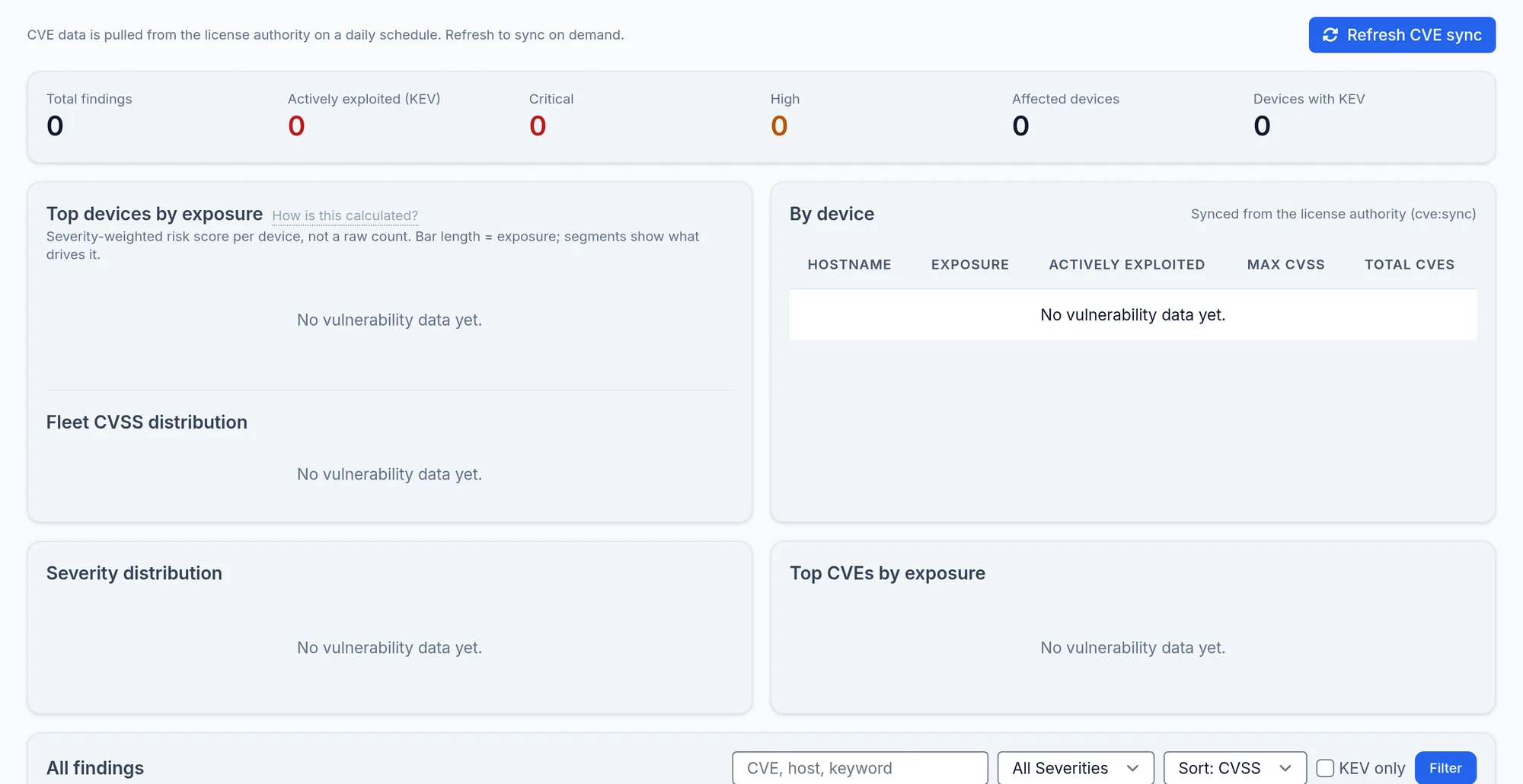
Security menu, then CVE Vulnerabilities. CVE are matched against the version installed on each device. Refresh CVE sync fetches the latest catalogue straight away.
- 3
Read end of life
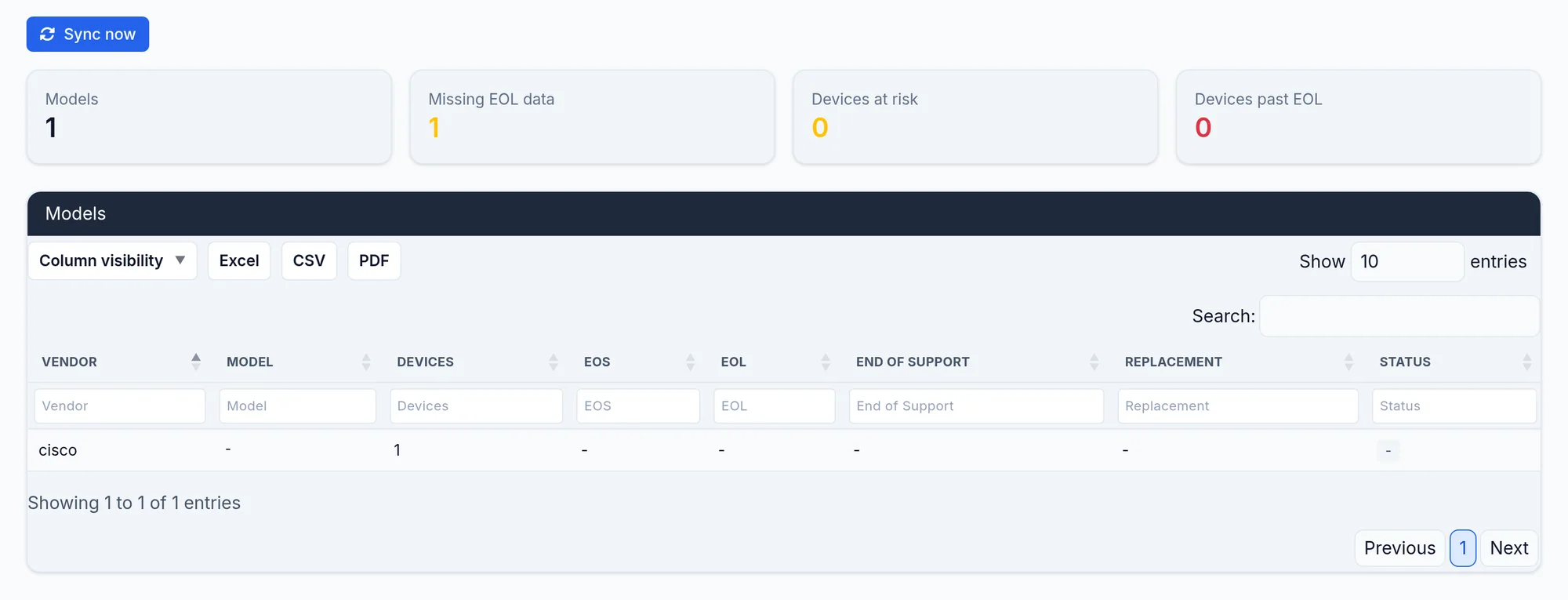
Security menu, then EOL Lifecycle: the end of sale and end of support dates known for your models. Sync now updates the catalogue.
Both catalogues also update by themselves every night.
What you should see
A compliance rate per device and per rule, CVE listed by device and severity, and dated end of support deadlines.
A CVE flags a device as potentially affected by its version; it does not say the flaw is exploitable on your configuration.
If it does not work
Compliance is empty
Click Run All: evaluation does not start by itself after a collection.
The CVE sync fails
The screen shows the last attempt and its message. A connection or timeout error points at the HTTPS path out to our service.
A model has no end of life date
The catalogue does not know that model yet. Tell us by ticket.