
Run the first collection
NacTrack opens a read session on each device, reads its configuration and state, then logs out.
Before you start
- DevicesDeclared in the previous step, with a credential.
- PermissionsA role that can run a collection.
The steps
- 1
Open the device list
Inventory menu, then Devices.
Inventory, then Devices
- 2
Choose the devices
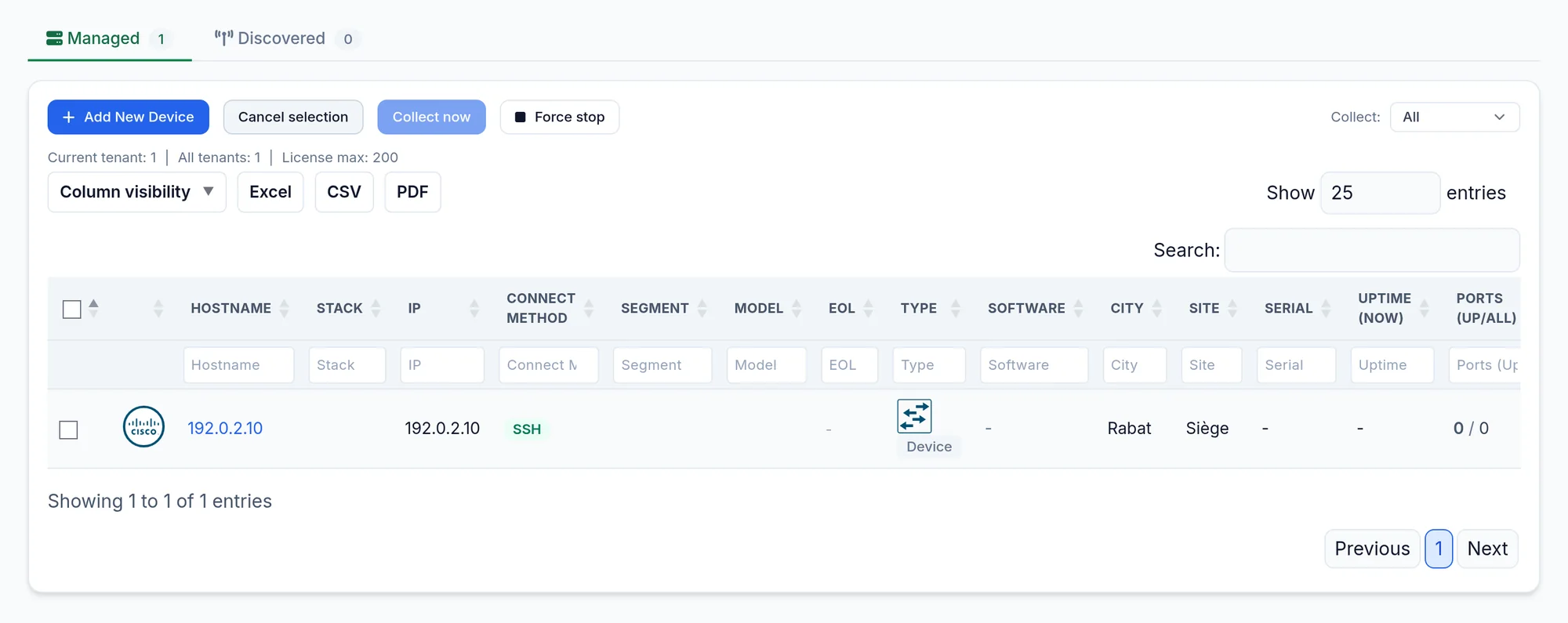
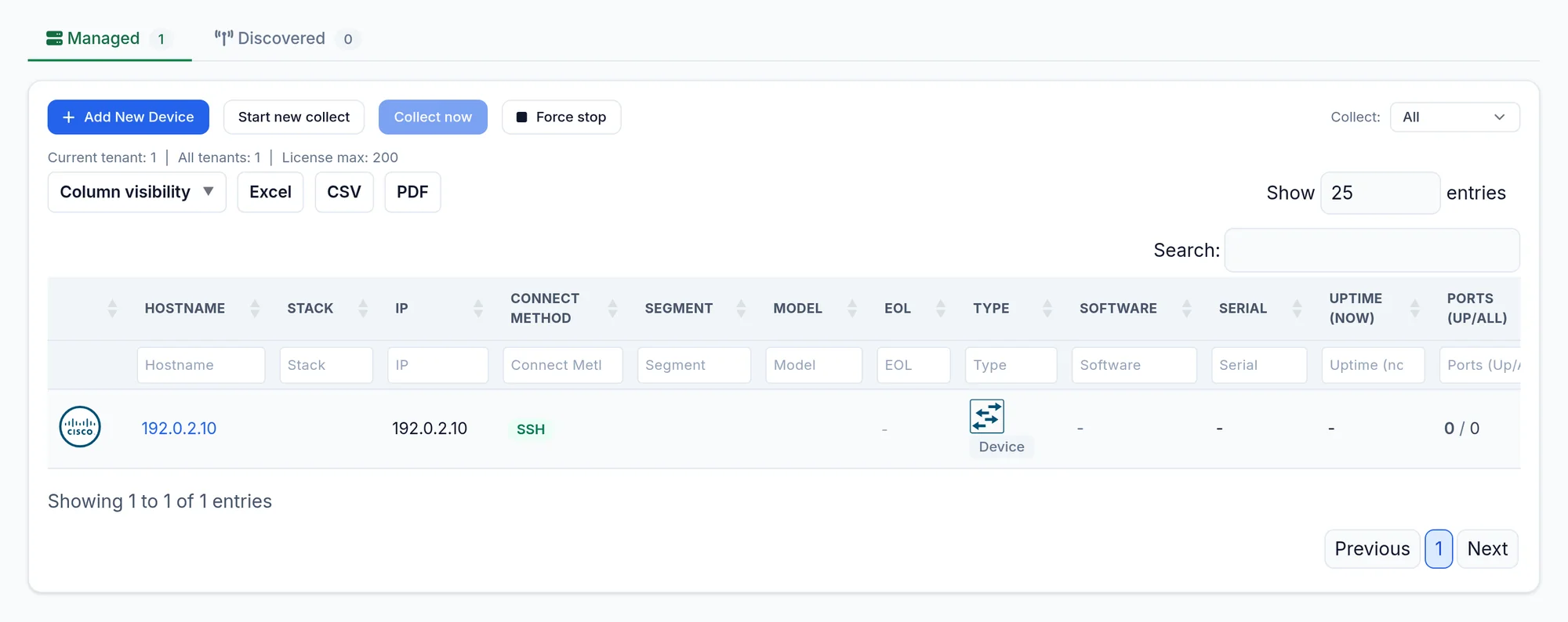
Click Start new collect, then tick the devices, up to one hundred per run.
- 3
Start
Click Collect now and confirm the queued message. Each row shows its state and progress (Collecting); Force stop interrupts the running collection.
Eight devices are collected at the same time by default. A device takes from one to several minutes depending on its size.
What you should see
Each device goes to collecting, then to success. Its real name, model and version replace the IP address in the list.
A failed device shows its reason on its row, for example Timeout for a device that does not answer. The possible reasons: unreachable, timed out, password refused, failed. A refused password is retried automatically once, two minutes later.
If it does not work
Unreachable
NacTrack cannot reach the device on its SSH port. Check the route and the firewall between NacTrack and the management network.
Incorrect password
Fix the entry in the vault, test with Check Credentials on the device form, then run again.
Timed out
The device answered too slowly. Run it on its own; on loaded equipment, collect outside peak hours.