
Before you start
- An administrator accountThese screens are for administrators.
- A mail serverIf you want notifications by email.
The steps
- 1
Set up email
Cog, then Mail Settings: the outgoing server, without which notifications are not sent.
- 2
Back up
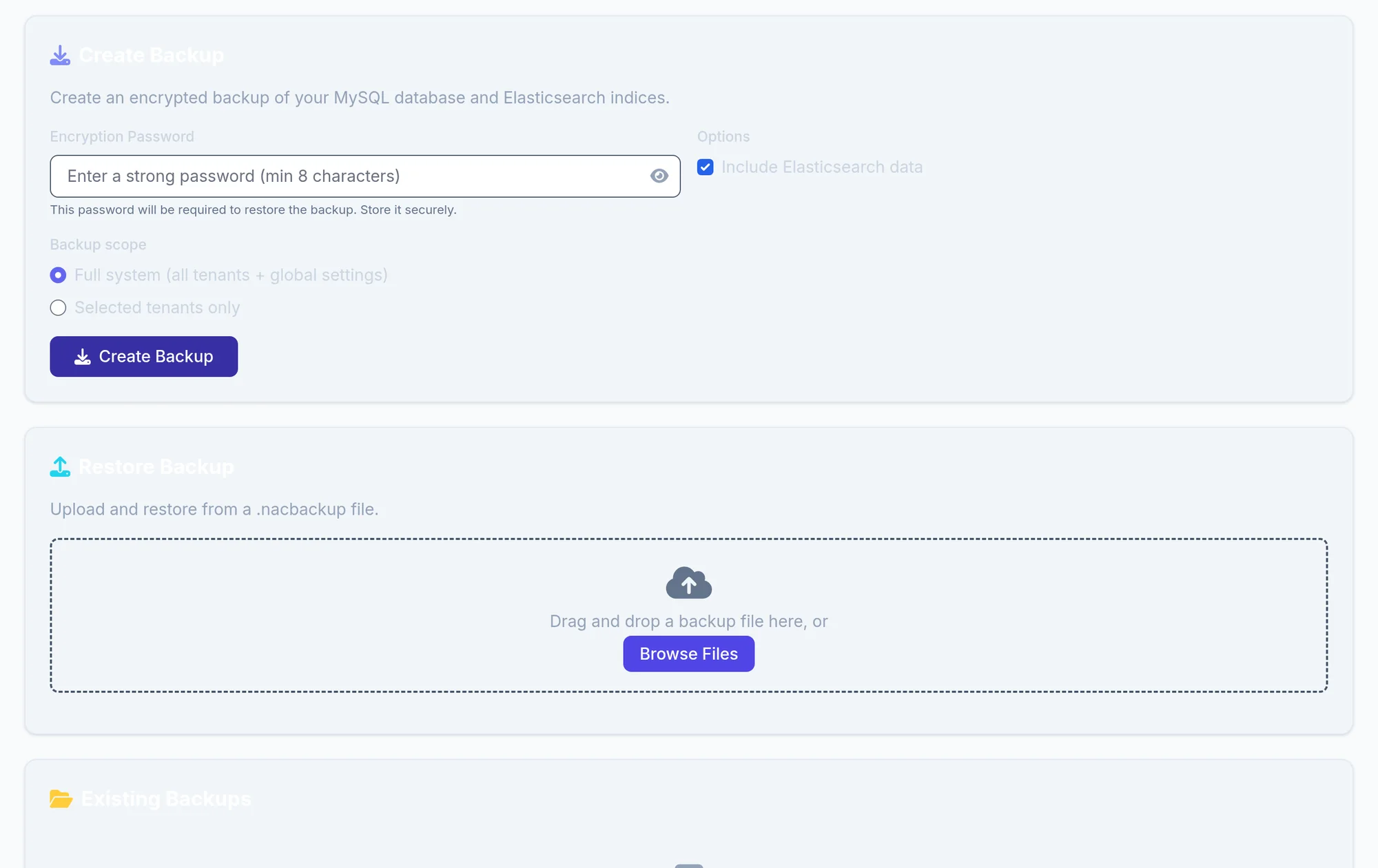
Cog, then Backup & Restore, then Create Backup. The Encryption Password will be asked for to restore: keep it outside NacTrack.
Download the backup and keep a copy off the machine: a backup left on the server goes with it.
- 3
Upgrade
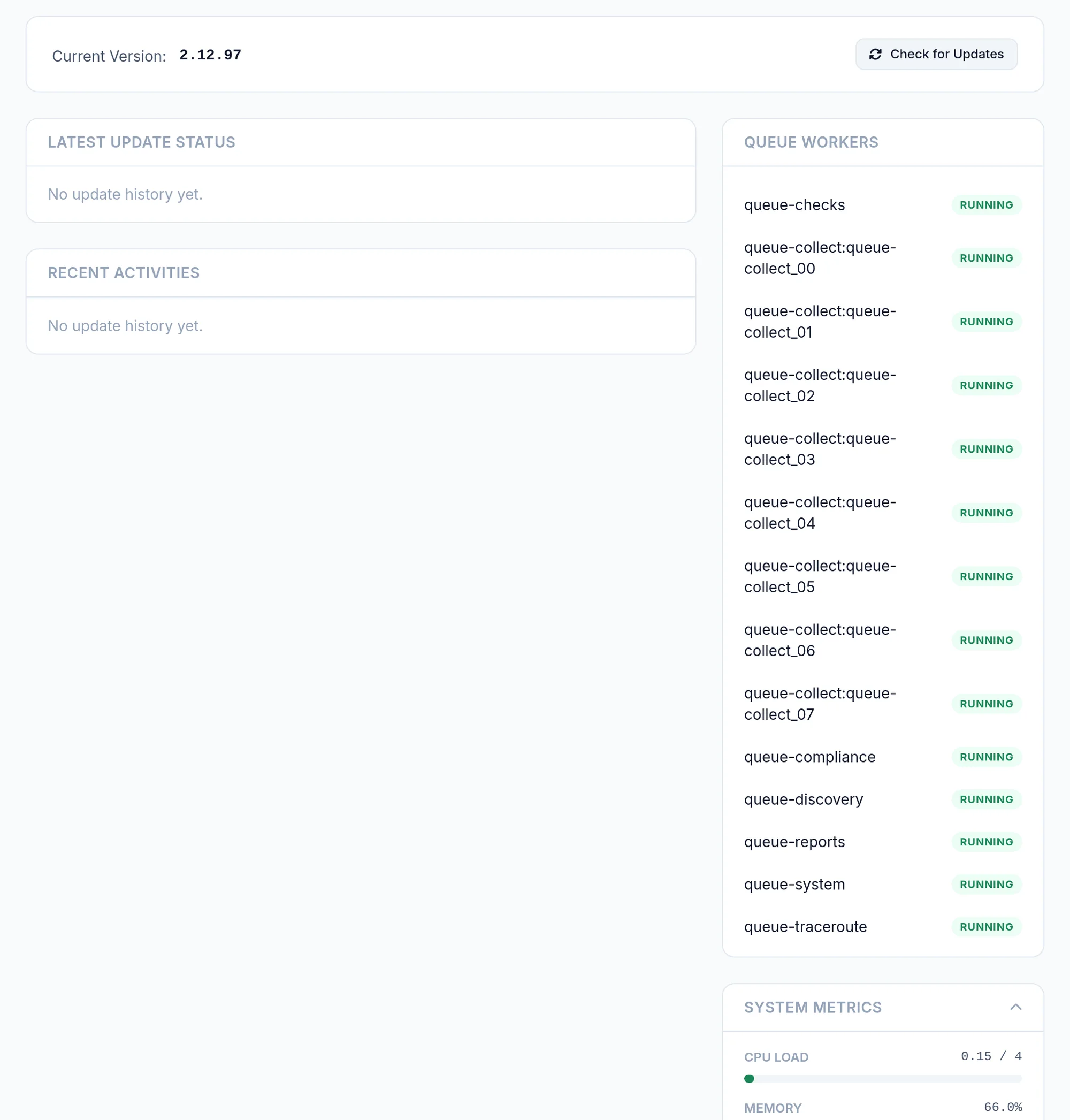
Cog, then Updates: Check for Updates, then Launch Upgrade. The interface pauses for about ten minutes during the restart.
- 4
Follow the licence and get help
Cog, then Licensing, for the expiry and modules. Support, tickets and the remote assistance tunnel, is only open to accounts with the support permission: on a new installation even the administrator lacks it, grant it from Roles.
What you should see
A dated backup in the list, the installed version under Updates, and the licence expiry under Licensing.
If it does not work
The upgrade finds nothing
You are up to date on your channel. Published releases are in the release history.
I no longer have a backup's password
Without it, the backup cannot be restored. Create a new backup with a password kept elsewhere.